
You build the software.We keep the work organized.
Project management for small engineering teams: projects, cycles, issues and activity in one place, without the enterprise machinery.
The workflows
The whole loop, in one workspace
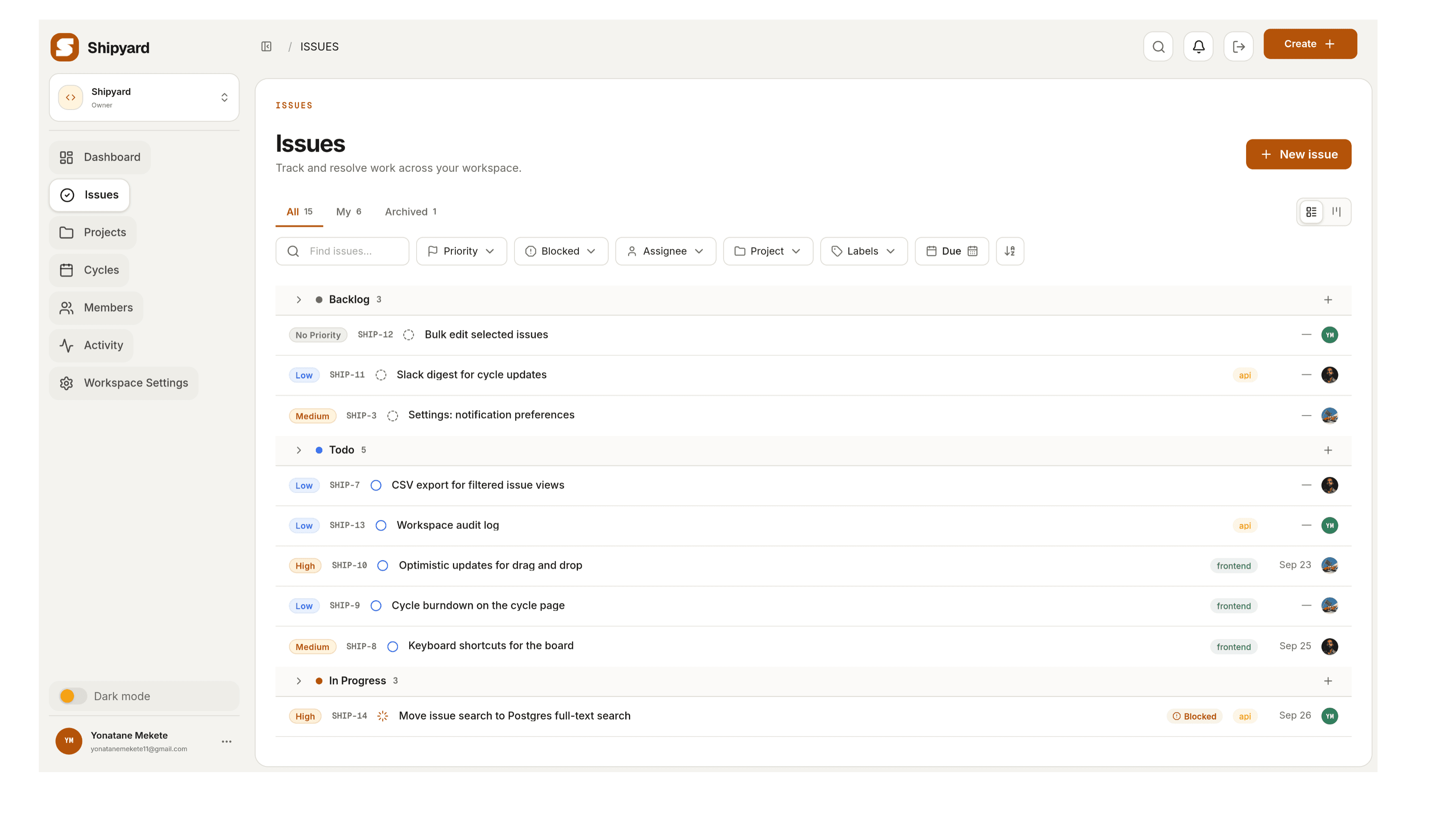
Issues, projects, cycles and activity are one model. Progress on a project and on a cycle is derived from the issues inside it, so planning, doing and reporting all read from the same data.
Plan
Projects that hold the whole picture
A project is a page for one objective: the issues inside it, an owner, and a lifecycle of its own, from planned to active to completed, without a second tool to keep in step.
 Yonatane M.Shipyard 1.0Workspaces, projects, cycles, issues and activity: the first release.61%11 of 18 issues done
 +1Oct 15, 2026
Run
Cycles that keep the pace honest
Time-boxed cycles whose progress comes from the work itself, with nothing to update by hand and nothing to reconcile.
- Backlog2
- Todo1
- In Progress3
- Done4
Collaborate
Every change has a name on it
Comments, mentions and an activity feed that reads like a changelog: who moved what, and when.
Yonatane Mekete commented on Activity feed shows duplicate entries12:11Selam Tesfaye moved SHIP-138 from Todo to In Progress08:11Dawit Alemu created SHIP-131 “Keyboard shortcuts for the board”10:11The agent surface
Your agents work in the same workspace
Mint a token in Agent access, point your agent at the MCP endpoint, and it works as you: the same services, the same permissions, and a line in the history and activity feed that carries your name. A token belongs to one member and one workspace, and its scopes decide which tools your agent is offered at all.
Claude Code
One line at the terminal
The transport MCP calls streamable-http, the deployment as the URL, the token as a header, and --scope user so every project on the machine has it.
Codex CLI
Or in the config file
Codex reads remote servers from ~/.codex/config.toml and takes the token from an environment variable, so the secret never sits in the file. codex mcp list says whether it connected.
Cursor
Or in mcp.json
Cursor reads remote servers from its mcp.json: a URL and an Authorization header, no OAuth dance and no session to keep. Other clients want the same two things and spell the keys their own way, so read the URL and the header, not the file.
Start with the workspace you already have
Made with ❤️ by Yonatane Mekete